Warning: You need to start Claritalk Connect on your PC first
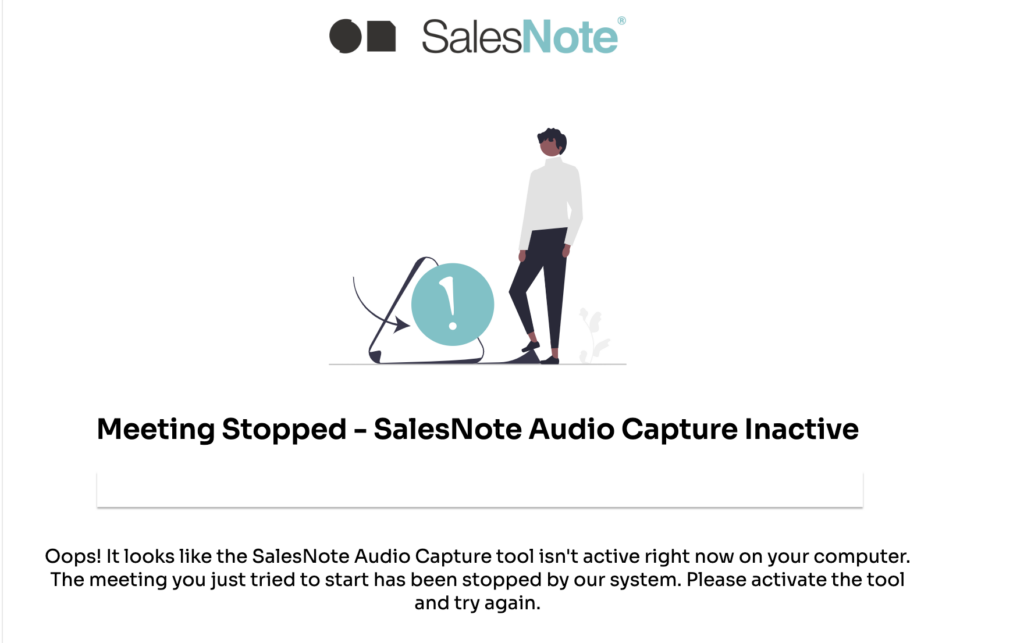
You have received an e-mail as below and ask yourself: what can I do about this?
- Start the Audio Capture Tool
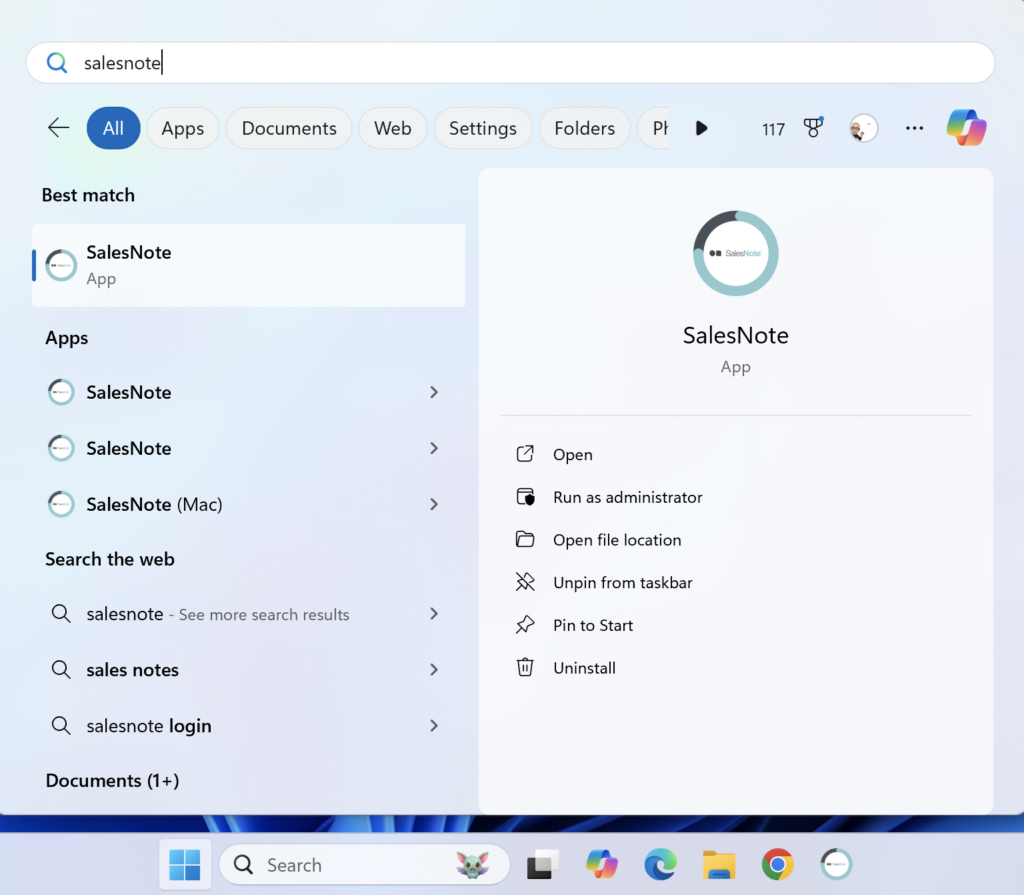
If the application cannot be found, pleaseInstall the Audio Capture Toolor request installation by your IT department.
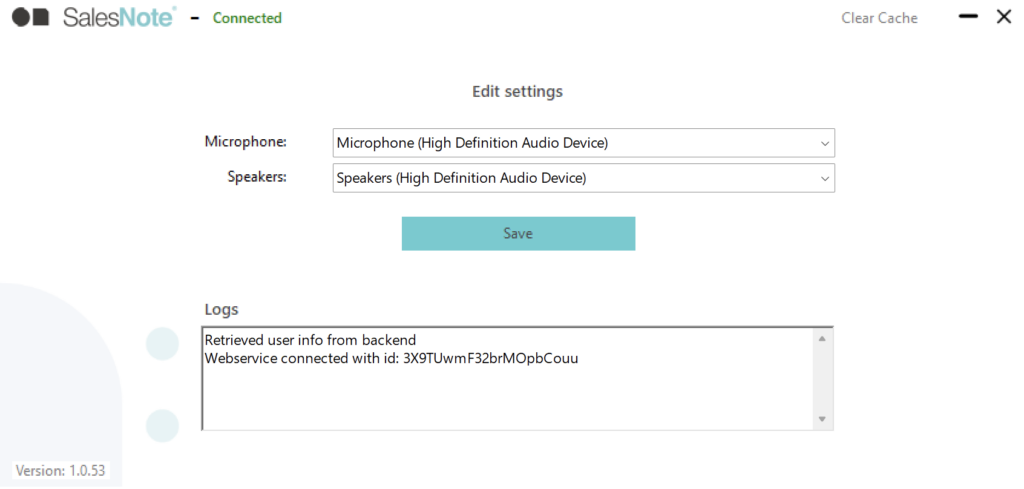
2. Connect your preferred microphone
Connect your preferred microphone (for example, if you're using a headset or table microphone), select the preferred microphone in the Audio Capture Tool, and click Save. When that microphone is available, it is automatically selected. Otherwise, the default setting of the system will be selected.
3. The same goes for speaker settings.
Have fun with your conversation!