
Setting up role-play: scenarios and methodologies
≈ 2 min read
The role-play simulator is an optional module. First enable it via Optional modules on the organization page. After that, Role-play appears in the Admin Center menu, with two tabs: Scenarios and Methodologies.
Scenarios versus methodologies
- A scenario describes the situation in which the employee practices: who the conversation partner is, what they want, and how they react. For example: a customer calls to cancel their contract.
- A methodology describes how the employee is evaluated: your organization's conversation steps, with what to watch for in each step, which signals are positive, and which warning signals there are.
Creating a scenario
- Open Role-play
Click Role-play in the left menu. The Scenarios tab is open. Organization scenarios are visible to everyone in your organization; Claritalk platform scenarios are available to every user.
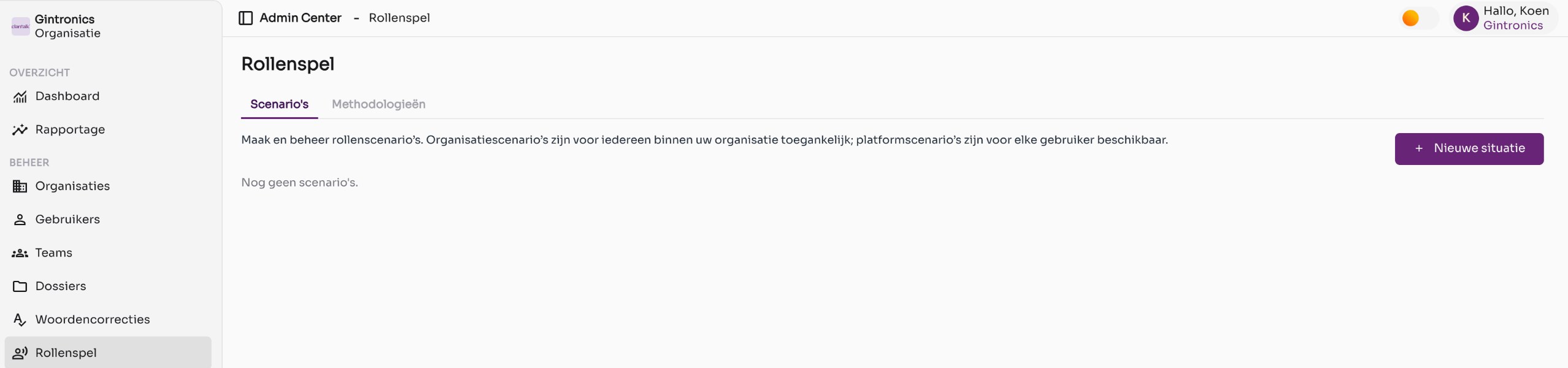
The Scenarios tab. - Click New situation
A form opens on the right with a title and scenario instructions.
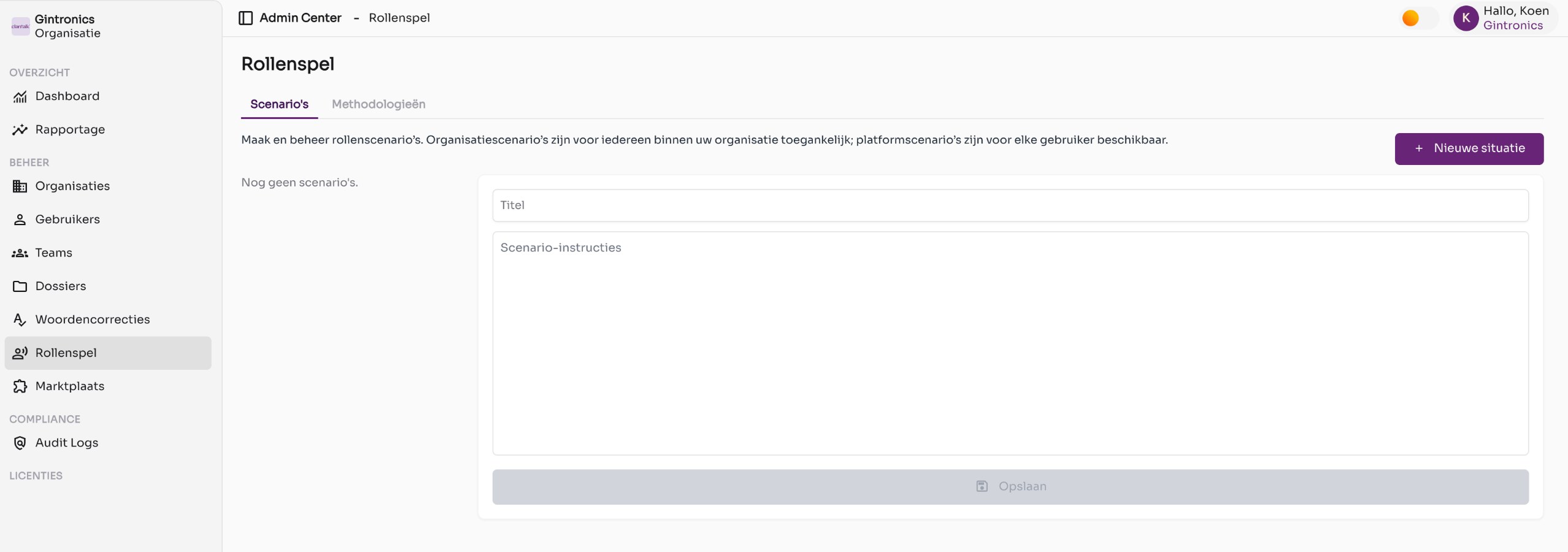
The form for a new scenario. - Write the instructions
Describe the situation, the role and attitude of the AI conversation partner, and the goal of the exercise. The more concrete, the more realistic the role-play. Write the instructions as if you're giving them to an actor.
- Click Save
The scenario is immediately ready for your employees in the simulator.
Creating a methodology
- Open the Methodologies tab
Click Methodologies at the top and then New methodology.
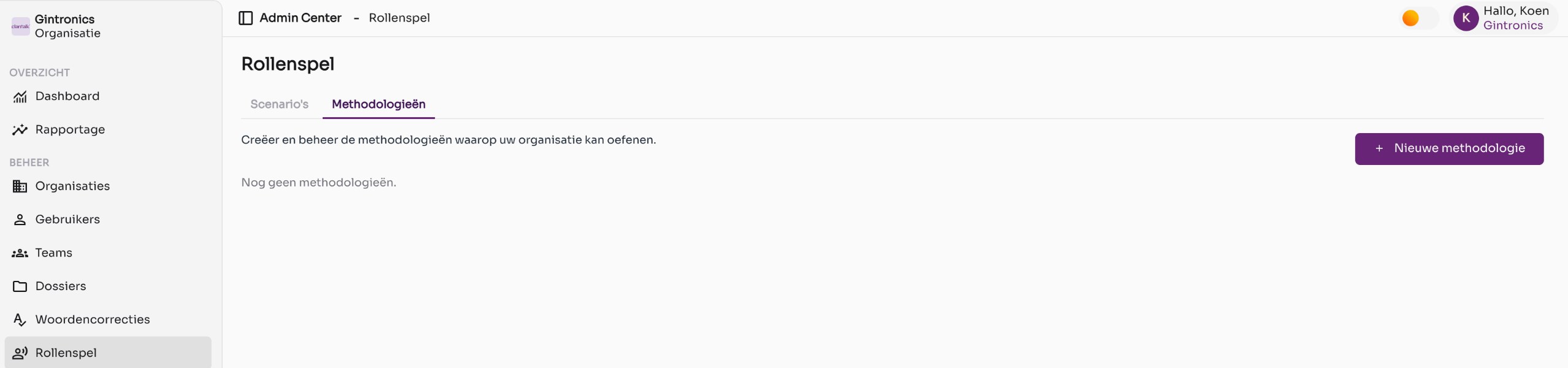
The Methodologies tab. - Give the methodology a name
For example, the name of your sales method or conversation model.
- Add topics
Each topic is a step or theme in the conversation. For each topic, you fill in three lists using the plus sign: What to watch for, Signals (what's going well), and Difficulties or warning signals. Use Add topic to add the next step; use the trash icon to remove one.
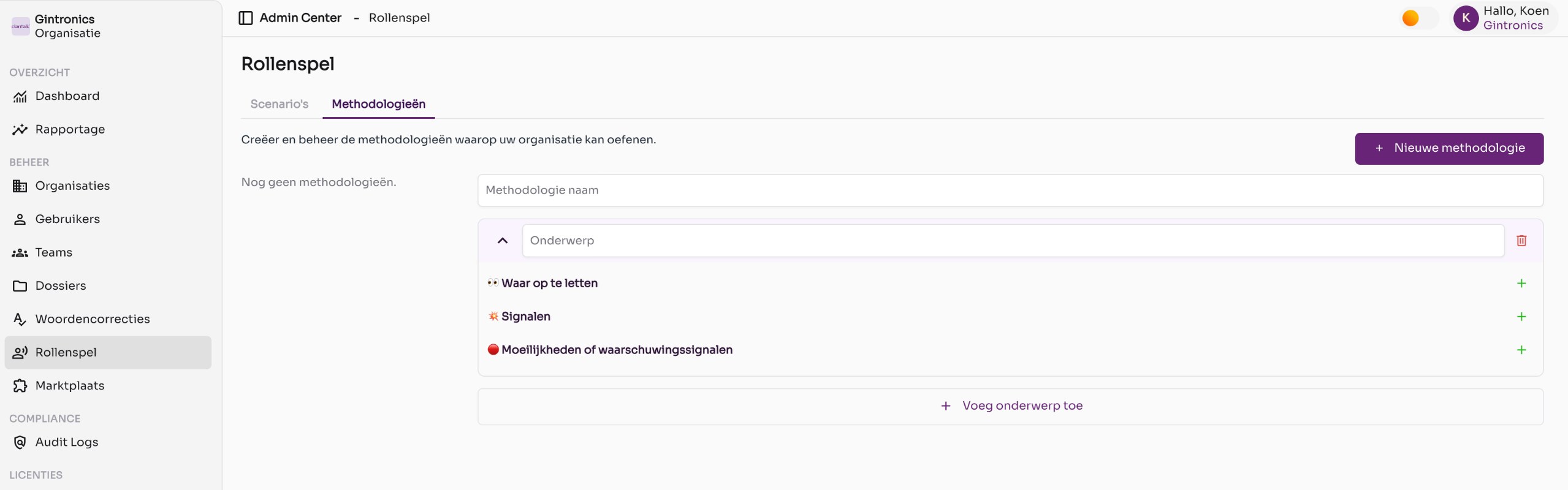
The form for a new methodology with one topic. - Save
The simulator uses the methodology to evaluate the exercise and provide feedback per topic.
Good to know
- Don't see Role-play in the menu? Check that the Role-play simulator module is enabled on the organization page.
- Start with two or three scenarios that frequently occur in your organization and expand based on feedback from your employees.