
Connect integrations via the Marketplace
≈ 1 min read
The Marketplace shows the integrations available for your organization, with the status for each integration: connected or not connected.
Connecting an integration
- Open the Marketplace
Click Marketplace in the left menu.
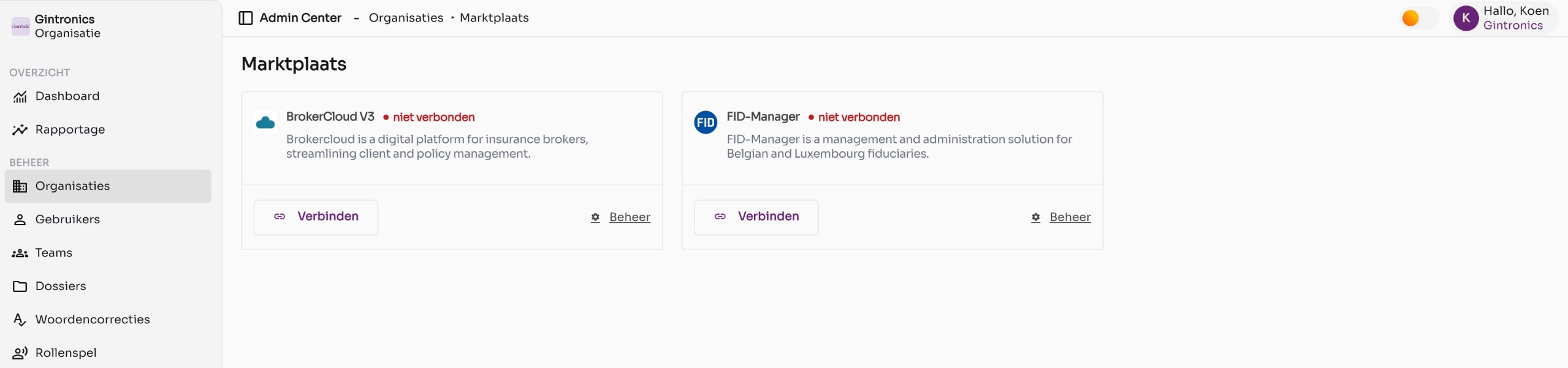
The Marketplace with two available integrations that are not yet connected. - Click Connect
For the desired integration, click Connect. Depending on the integration, you sign in to the other system or enter an API key. Follow the steps on the screen.
- Check the status
After connecting, the card shows connected. Users can now select the integration when forwarding a conversation.
Managing an integration
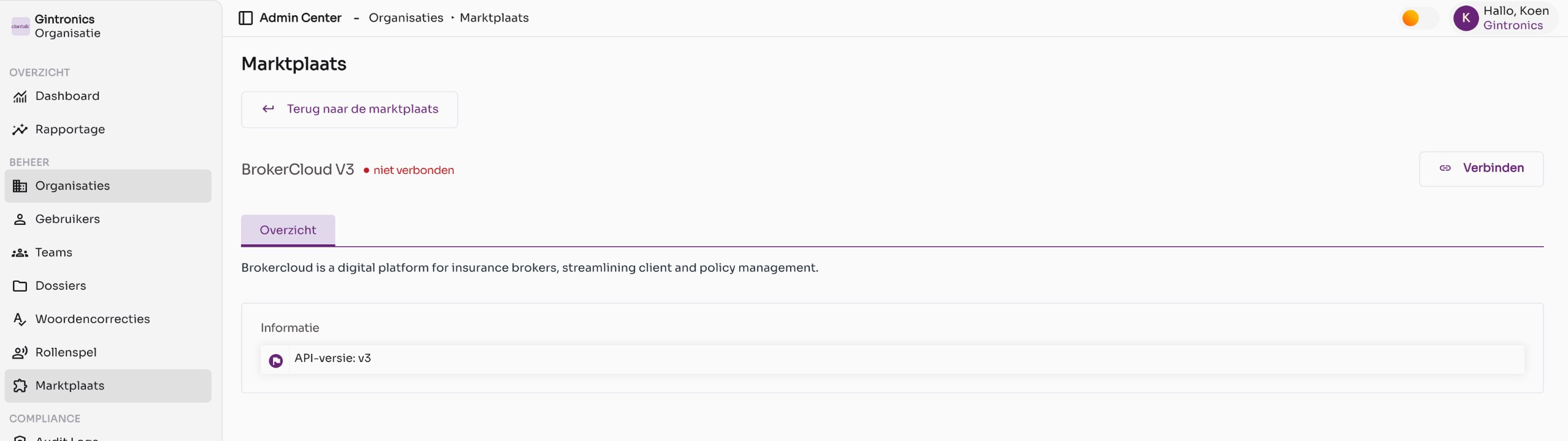
Click Manage to open the detail page. There you will see the description, technical information such as the API version and, once the integration is connected, the connection settings. Use Back to the marketplace to return.
Good to know
- Which integrations you see depends on your organization and your license. Missing a connection? Email support@claritalk.com.
- Each integration has its own article with the exact steps. See the Connections section, including Integration overview and How do I create a connection with FID-Manager?.
- Track the number of conversations forwarded to an integration via Reporting (Sent to CRM).